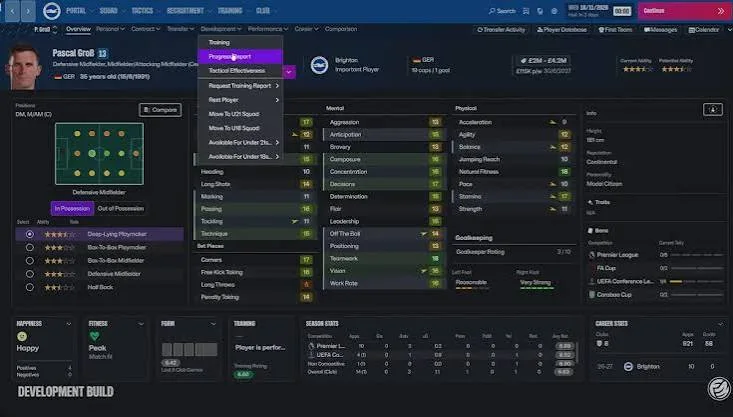
A report is most useful when it answers a specific recruitment question. Keep tactical fit, uncertainty and staff responsibilities visible.
Reviewed against sources available on 11 November 2026. Game status, player snapshots and screenshot versions are separate; see each source and image caption.
Give every search a clear brief
Start with the squad problem you need to solve. Define the position, the responsibilities and the expected time frame for contribution. A broad search for talented players produces a different shortlist from a search for someone who can immediately cover a specific job in your tactic. Decide which question you are asking before comparing results.
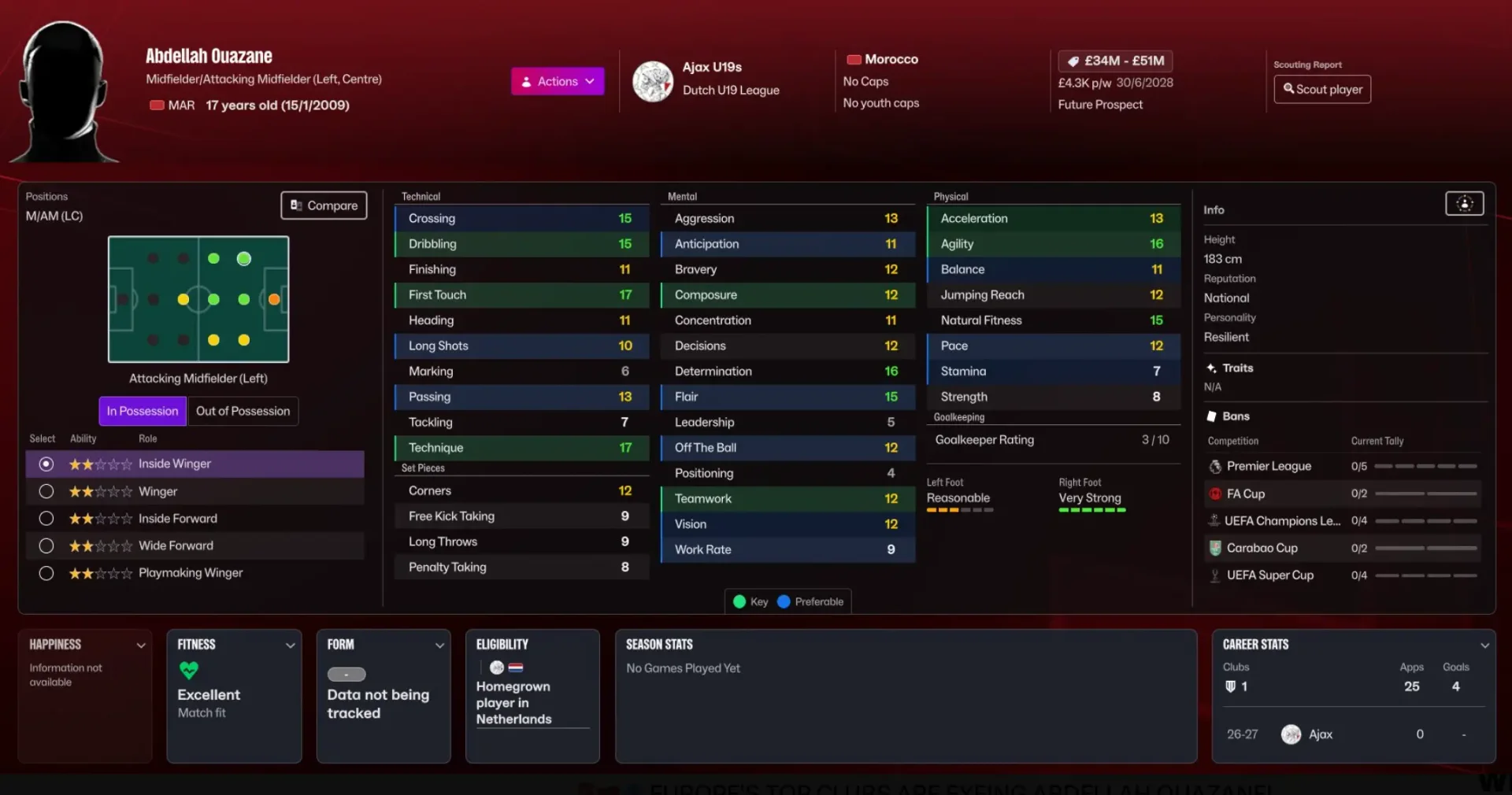
Use the report and database information available in your own save. If an attribute or contract detail remains uncertain, retain that uncertainty in your notes. It is better to recognise an incomplete comparison than to manufacture precision. Our player database labels third-party reference values separately from information obtained in your own save; it does not contain verified staff ratings.
Read tactical fit alongside quality
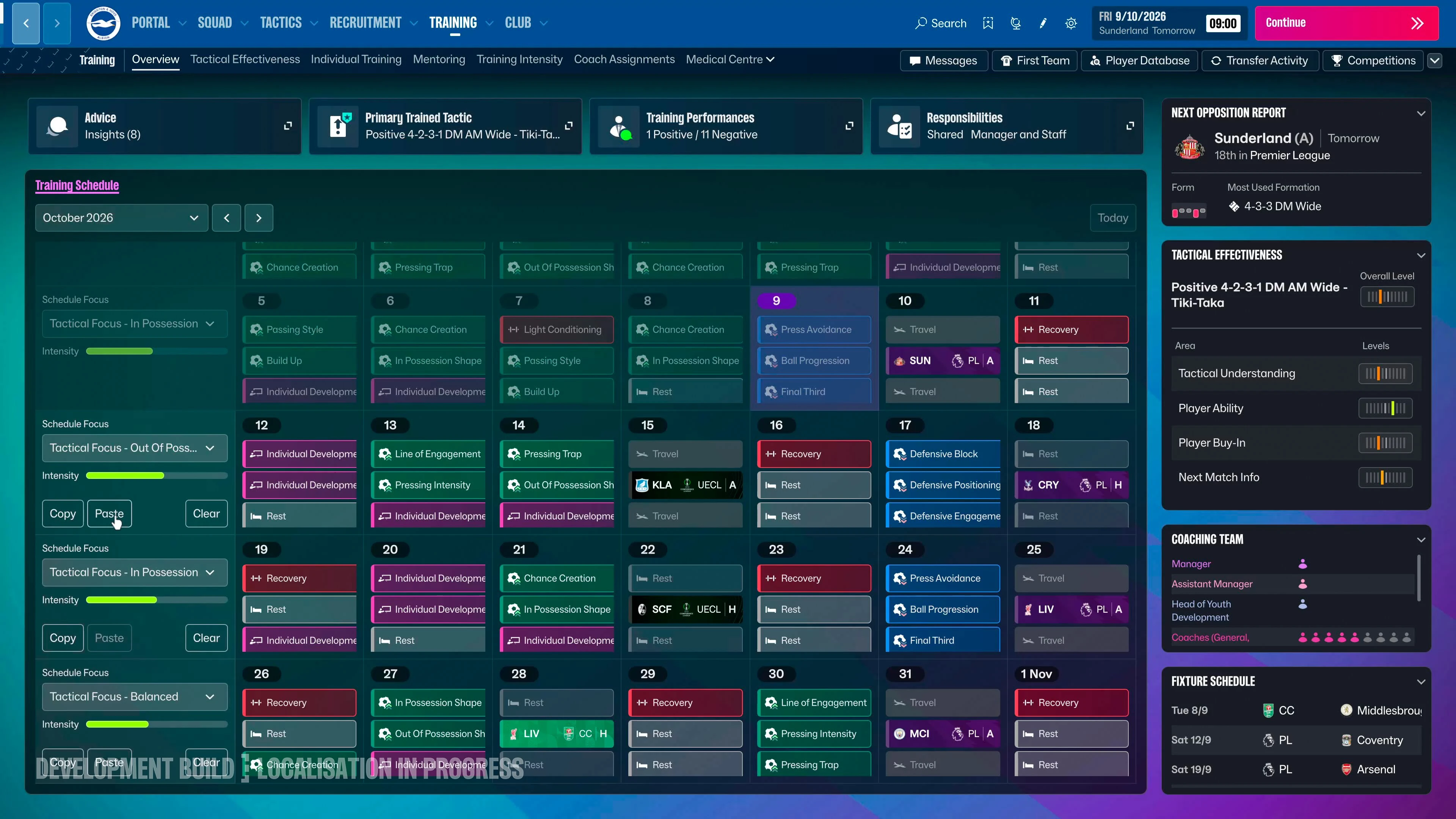
Sports Interactive describes Tactical Effectiveness as part of scouting reports, helping you judge whether a candidate can contribute in your setup. Treat that as context alongside the rest of the report. A highly regarded footballer can still need time, a different responsibility or a change in how the team plays.
Official material also describes an improved scouting progress message with list and card views. Use those presentations to compare candidates against the same brief. Separate evidence about the player from your interpretation of what the team needs. If you change your tactic substantially, revisit the shortlist rather than assuming every previous target remains an equally good fit.
Make backroom responsibilities explicit
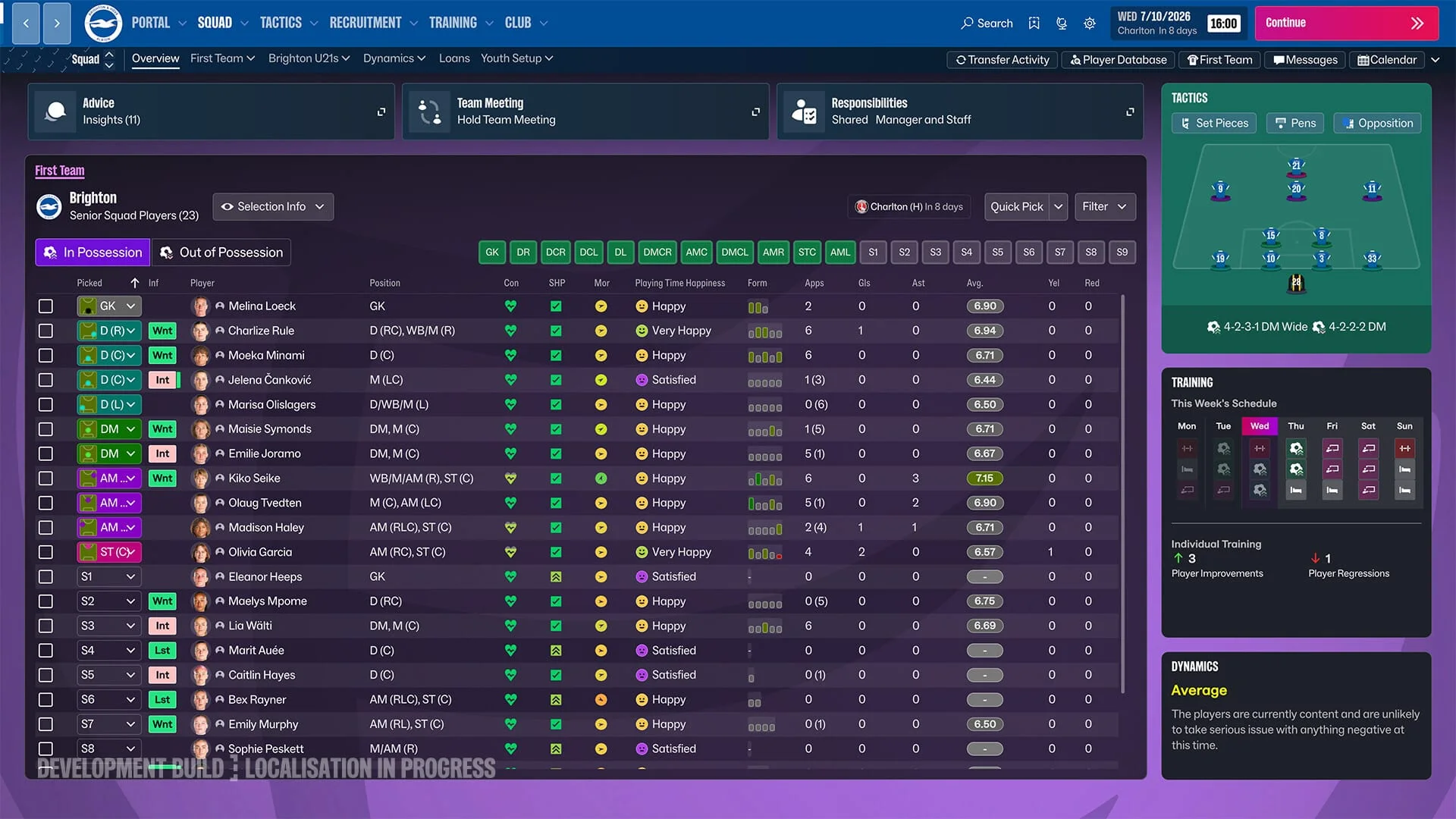
Review which member of staff is responsible for the areas you delegate and what information comes back to you. Training, recruitment and match preparation are connected, so a recommendation deserves to be read in the context of the club’s plan. Delegation can reduce the workload while still leaving you with a clear review point.
The official additional-upgrades article describes staff advice being brought into messages, including suggested steps and transfer support. Use that advice to surface questions you might otherwise miss, then evaluate the proposed action. We have no verified FM27 staff database to rank individuals. Future staff records will identify their source and game version; for now, the useful task is to organise responsibilities and make better use of the evidence already in your save.
A report should answer a decision
Separate what the report reveals from your interpretation. The useful output is a comparable case for or against a role, with unresolved questions still visible. Do not turn a third-party PA value into a scout report you have never obtained.
| Question | What to record | Next action |
|---|---|---|
| What job is vacant? | Position, responsibility and time frame | Search against that same brief |
| What do we know? | Visible strengths and the report’s coverage | Collect more evidence where important details remain hidden |
| Will the player fit? | Tactical feedback and the squad role available | Compare with the current starter and alternatives |
| Which version? | Game/database version and report date | Recheck if your source or save has changed |
| What is the recommendation? | A reasoned case and outstanding questions | Scout further, shortlist, negotiate or reject |
Avoid comparing incompatible evidence
A public preview snapshot, a fresh scout report and a previous-edition editor export answer different questions. Keep the version beside each item and prefer the information actually available in your current save for decisions. Unknown attributes should remain unknown, not become zeroes in a comparison.
Review the shortlist when the brief changes
Changing from a wide winger to an inside creator changes what you need to learn about a candidate. Reopen unresolved reports and revise the comparison rather than carrying over a recommendation without context. Use favorites for a longer pool and a four-player comparison for a single decision; exporting the filtered pool gives you a dated working list.
Decision worksheet: focus, assignment, report, shortlist
Give scouting one answerable recruitment question, then keep known facts, uncertainty and the final decision separate.
Exact Recruitment Focus and assignment dialog fields remain unverified. Use the available scouting controls in your build. The wiki shortlist controls are verified site functions, not a reproduction of the game’s recruitment interface.
| Stage | Record | Failure check |
|---|---|---|
| Focus | Position, intended job, time horizon and the evidence still missing. | A famous name or a broad search area is not a role brief. |
| Assignment | Who is gathering the evidence, the accessible competition/context and the next review point. | Do not presume unrestricted knowledge or coverage of an unobserved competition. |
| Report | Date, known fields, uncertainty, tactical-fit information and the questions that remain. | A star recommendation is not an exported PA and must not fill a blank numerical field. |
| Shortlist | Choose one source snapshot, filter, save candidates and open the source-specific profiles. | Do not compare a new club or wage from one source with ability from another. |
| Review | Keep, investigate further or remove; record the reason against the unchanged squad brief. | An arrival or tactical change may remove the opportunity that originally justified the search. |
Common mistake
Adding more attribute thresholds does not resolve unknown data. The wiki’s numeric filters exclude missing values; obtain a current report before treating an empty result as proof that no suitable player exists.
Review before the next decision
Compare up to four within one snapshot and export the entire filtered result if needed. Add current report and availability notes separately, preserving the published reference values.
Version boundary: development/Launch Preview evidence. Official training and team-fit context: Training and Tactical Effectiveness. These original worksheets are not match tests or verified Full Release menu instructions.
Shortlist workflow: from a vacancy to comparable evidence
The database steps below are verified site functions. Request and report menus inside FM27 still depend on the current build; this is not an invented Recruitment Focus dialog walkthrough.
Choose the correct source snapshot
Open Players and select the dataset before setting position, age and club filters. Read the difference between the source publication, save/start date and age reference.
Filter only on evidence that exists
Use CA/PA filters on a dataset that supplies them. Missing free-agent ability values remain unknown and are excluded by numeric filters.
Save and inspect a small group
Use Save beside the candidate, open the profile and record the available attributes and the important unknowns for your squad job.
Compare up to four from one snapshot
Keep the role brief unchanged. Clear the current comparison before changing sources; a higher value from another snapshot is not directly comparable.
Export the filtered group and obtain current reports
CSV preserves source, version and snapshot fields. Add your own report coverage, actual availability and offer notes outside the published reference; do not overwrite its source facts.
- A recruitment request should name position, job, time horizon and evidence still needed.
- A potential band is not a guaranteed outcome.
- A stronger report can resolve uncertainty; an unobserved attribute cannot be filled from reputation.
System source: Official training and recruitment-fit explanation. The steps are editorial unless explicitly attributed. This review adds a workflow; it does not redate unrelated older source records.
Sources & verification
Article reviewed on 11 November 2026. Each source has its own verification date. Guidance is editorial analysis unless explicitly attributed to an official announcement.
- Official sourceTraining and Tactical EffectivenessReviewed 1 November 2026
- Official source2D Match Engine, In-Game Editor and Deeper World UpgradesReviewed 28 October 2026
- Official sourceSports Interactive — FM27 is live across platformsReviewed 11 November 2026