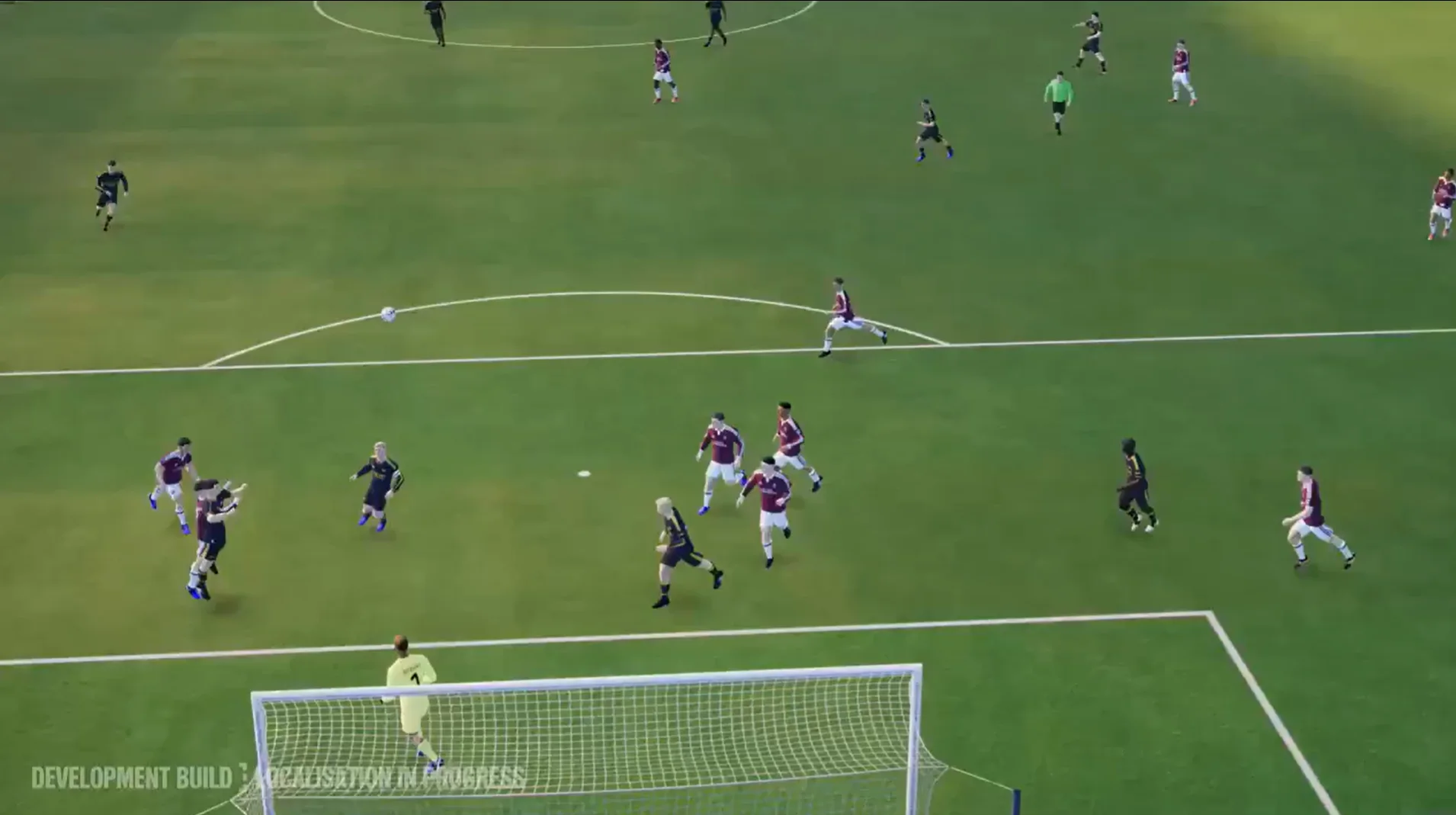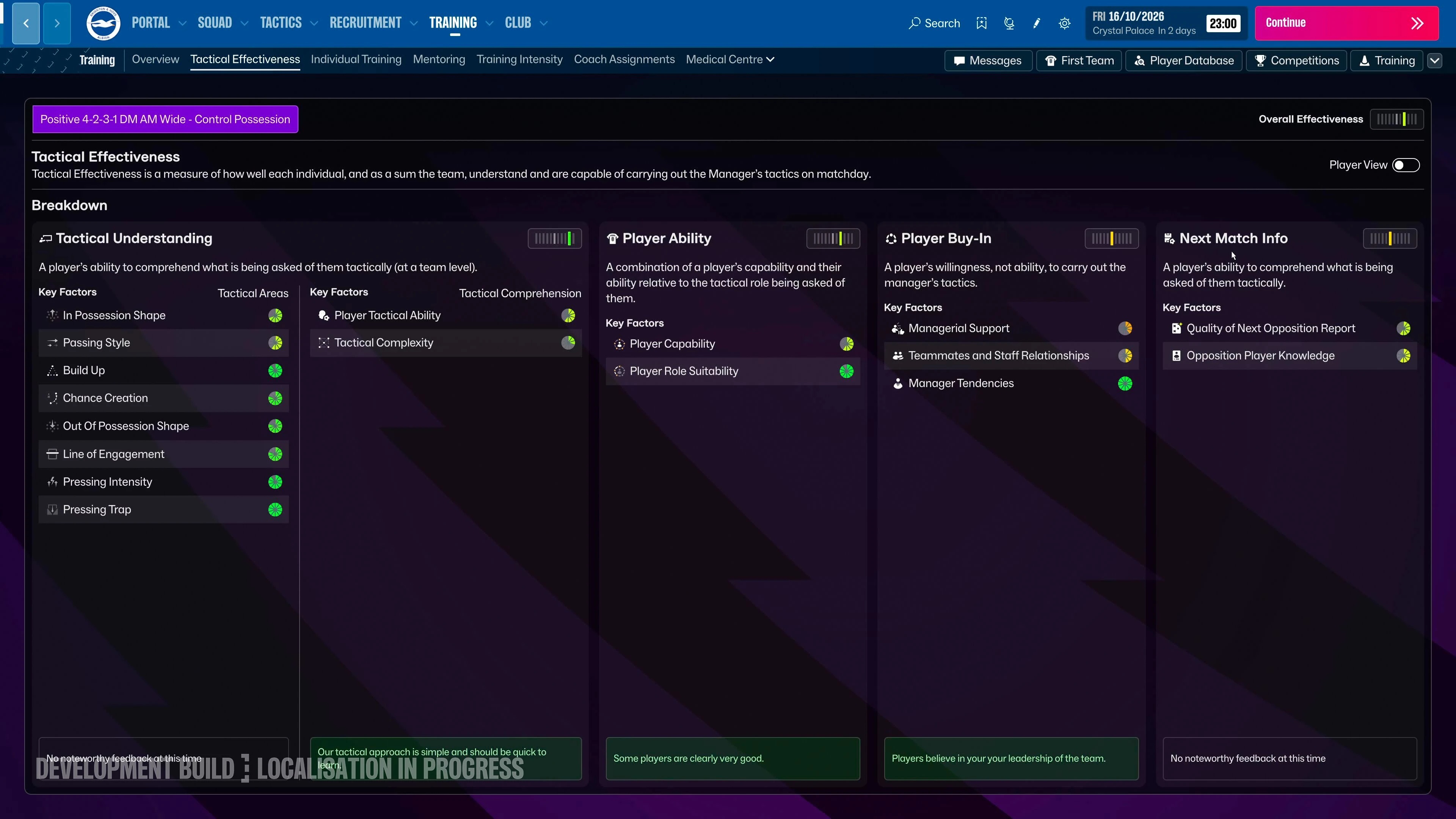
The official menu image establishes visible controls; it does not prove every tooltip, hidden effect or final-build label. Make a focused adjustment and review the response.
Reviewed against sources available on 11 November 2026. Game status, player snapshots and screenshot versions are separate; see each source and image caption.
What is actually visible in the official menu?
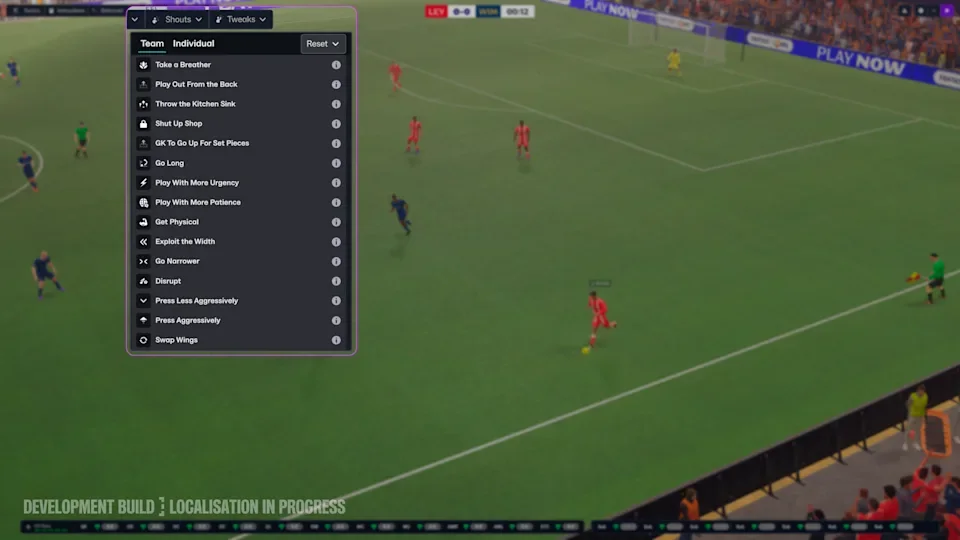
The official tactical deep dive links to a development screenshot showing a match-day dropdown beside Shouts, with Team and Individual tabs. We inspected that image rather than reconstructing a complete menu from the names in a preview commentary. The labels below are a limited selection of the controls visible in that specific image; they are not a transcription of the whole interface.
The image explicitly identifies a development build with localisation in progress. Treat its labels as observed evidence from that build, rather than a promise that every edition or later update uses identical wording. We have not opened an installed Launch Preview build to inspect the tooltips, so this guide does not invent slider changes, exact attribute effects, shortcuts or a full list of underlying instructions.
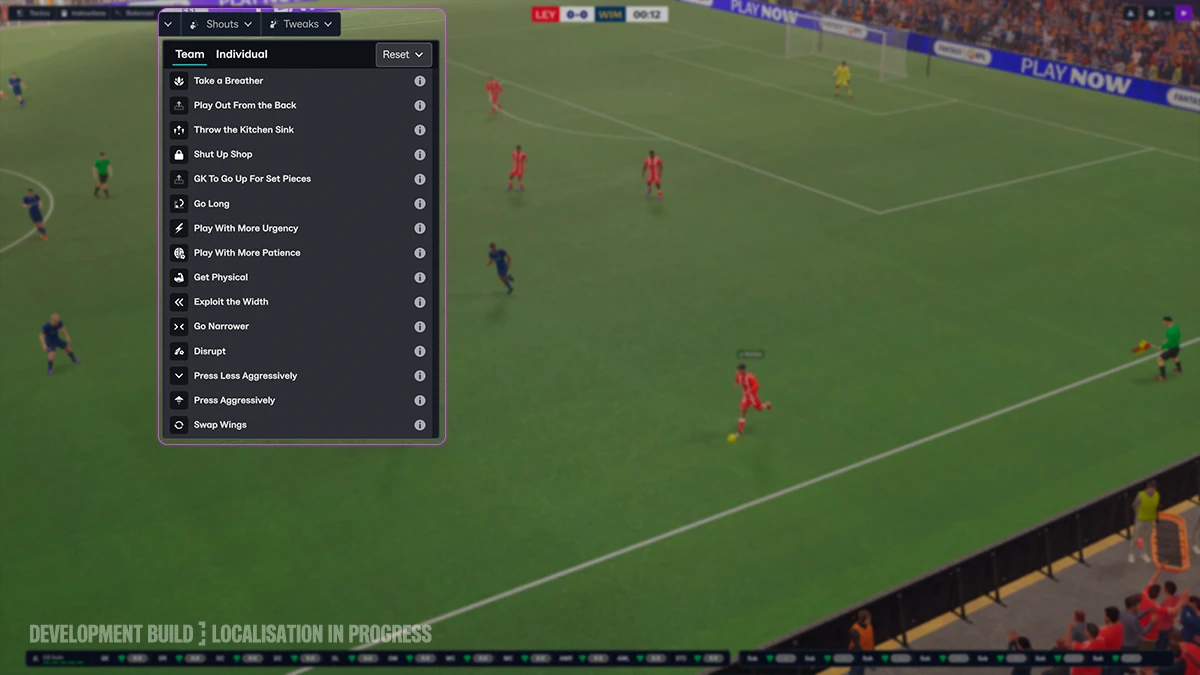
The published match-day image shows the dropdown beside Shouts and its two scope tabs. Open the original for legible labels; it is a development build, not a reconstructed interface.
Official development screenshot · localisation in progress · © Sports Interactive / SEGA. Publisher source · View full-size original · Checked 2026-11-01| Visible control | Editorial question before using it |
|---|---|
| Go Long | Is a longer route supported by the forward and nearby players? |
| Play With More Urgency | Do you need a quicker response, and can the squad sustain it? |
| Exploit the Width | Is useful space available outside the opposition block? |
| Press Less Aggressively | Is the current pressure leaving gaps or exceeding physical capacity? |
| Swap Wings | Would changing the wide matchup help without removing necessary cover? |
Use the confirmed control location without guessing hidden effects
The written official FAQ places Tactical Tweaks on the match-day screen alongside Shouts and says they remain active until deselected. It also explains that a tweak can group changes that would otherwise need several manual adjustments. Read the description in your own build before treating a short menu label as a complete explanation of what the game will change.
Choose the match problem first, then the control. If the opponent is closing a short passing route, inspect the available receiving options before changing the route of progression. If the team cannot maintain its pressure, inspect fatigue and support distances. Those are coaching questions, not claims that one observed button will always solve the pattern.
Name the match problem
Identify a repeated route or space, such as a wide receiver being left free. Decide which part of the current plan should change and what supporting responsibility must remain.
Open the match-day Tweaks control
Use the control beside Shouts in the official example and inspect the scope tab. Before selecting anything, read the information available for that control in your own build; the screenshot does not expose all underlying changes.
Apply one relevant adjustment
Choose a response to the observed problem and watch the subsequent passages. Do not activate several opposing changes simply because the team has conceded.
Deselect it when its reason has passed
The official FAQ says tweaks persist until deselected. If the opponent changes shape or the temporary response starts removing needed cover, review the active tweak and return to the baseline when appropriate.
Keep a baseline available
Record the reason for an adjustment and the behaviour you expect to improve. Avoid applying several opposing changes at once; otherwise you cannot tell which intervention helped or which responsibility has been lost.
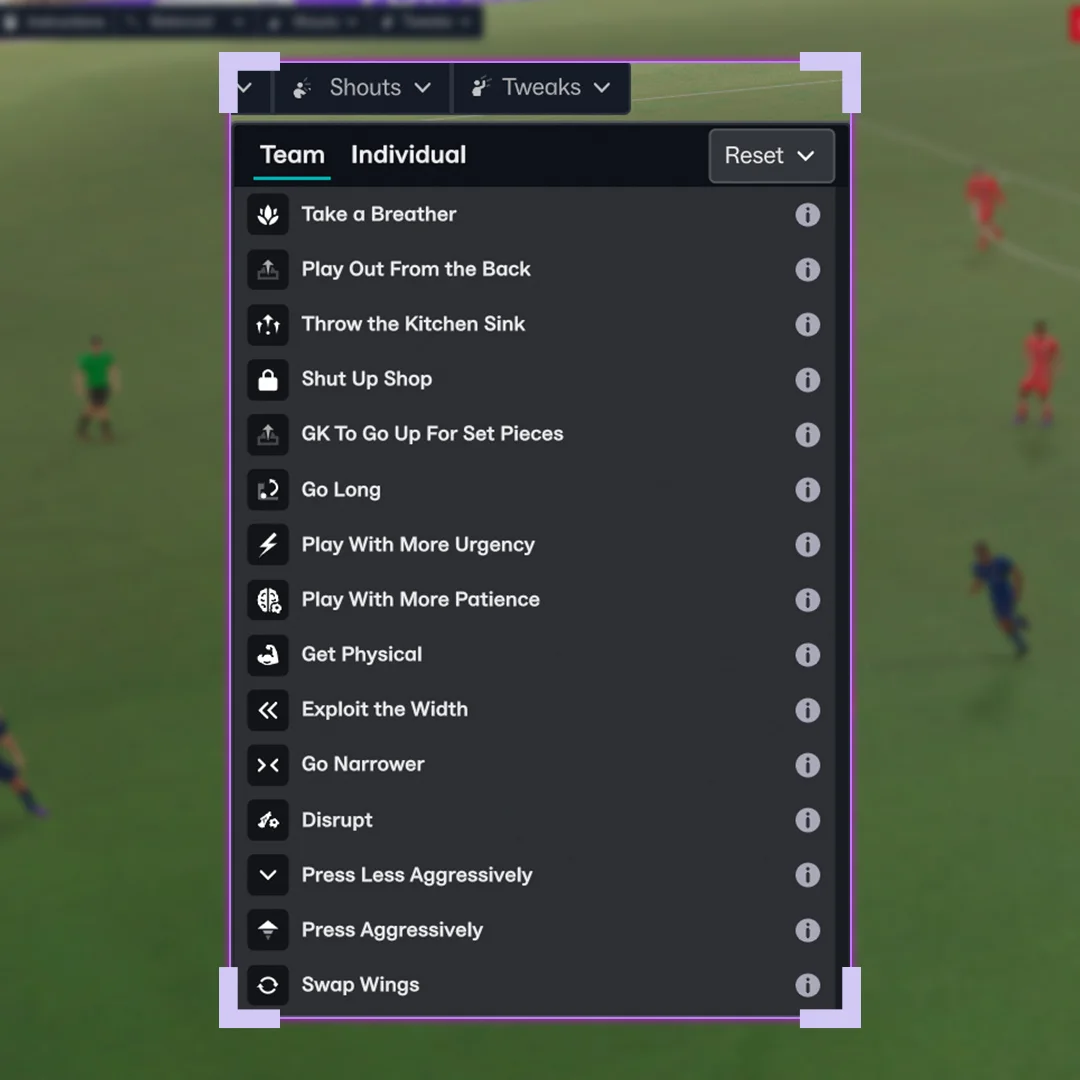
Close view of menu labels in the supplied capture; build not independently verified.
Owner-supplied image · capture/build not independently verified · © Respective game and image rights holders. · Visually reviewed 2026-11-02Review the response and decide when to stop
Watch the next relevant passages of play and inspect whether the original problem remains. A single goal is not enough evidence that every resulting movement is desirable. Check what happened to the space behind the ball as well as the new attacking route, and consider whether the opponent has changed its own approach since you acted.
The official article describes staff feedback about when tweaks may help and when they may no longer be useful. Use that advice as another observation rather than a replacement for your decision. A temporary response should not become permanent merely because you forget it is active. The complexity and effectiveness guides explain the longer-term demands that remain after the immediate match situation passes.
Release-version review: keep the blueprint and evidence separate
These formation and decision examples remain editorial blueprints, not release-version match tests. Keep the current Build, team, instructions, opposition and observations with any comparison. There is no supplied controlled test establishing a winning preset or a new advantage for one of the four formations.
Read the Day 0 record for the limited launch fixes and the separately labelled later-November plan. A role-description correction does not establish changed role behaviour. Planned defensive or attacking work must not be described as already released. Revisit the affected passages only when new official notes or a documented test provide evidence.
Use the match-day controls with a stop condition
The official feature places Tweaks beside Shouts on the match screen. This is a source-based control guide, not a claim of an independently tested result.
Choose the problem before the option
Pause the decision: is the opponent leaving width, closing the short route or winning the same overload? Write the observed pattern and the trade-off you can accept.
Open Tweaks and read the current option
Official examples include wider play, longer passing, urgency and reduced pressing; individual examples include swapping wide players and sending the goalkeeper forward. Availability and wording should be read in your build.
Observe both the gain and the exposure
If you seek a wide outlet, check the support behind that outlet as well as the new route forward. Sending the goalkeeper up for a late attack exposes the goal: it is a game-state choice, not a default attacking recommendation.
Deselect when the reason expires
Tweaks remain active until removed. Inspect the dugout advice when the opponent adjusts, and remove the change when its purpose no longer applies. Shouts concern emotional response; they are not substitutes for tactical settings.
- Conflicting changes can cancel the intended behaviour.
- One goal after a tweak does not demonstrate causation.
- Record the version, conditions and counterexamples in your own log.
System source: Official Tactical Tweaks and Match Engine deep dive. The steps are editorial unless explicitly attributed. This review adds a workflow; it does not redate unrelated older source records.
Sources & verification
Article reviewed on 11 November 2026. Each source has its own verification date. Guidance is editorial analysis unless explicitly attributed to an official announcement.
- Official sourceTactical Tweaks and Match Engine UpgradesReviewed 1 November 2026
- Official sourceOfficial in-game Tweaks menu — development screenshotReviewed 1 November 2026
- Official sourceSports Interactive — FM27 is live across platformsReviewed 11 November 2026
- Official sourceSI Community Team — launch notes and first post-launch planReviewed 11 November 2026